Task Bag
Tasks from all your project tools in one Mac app.
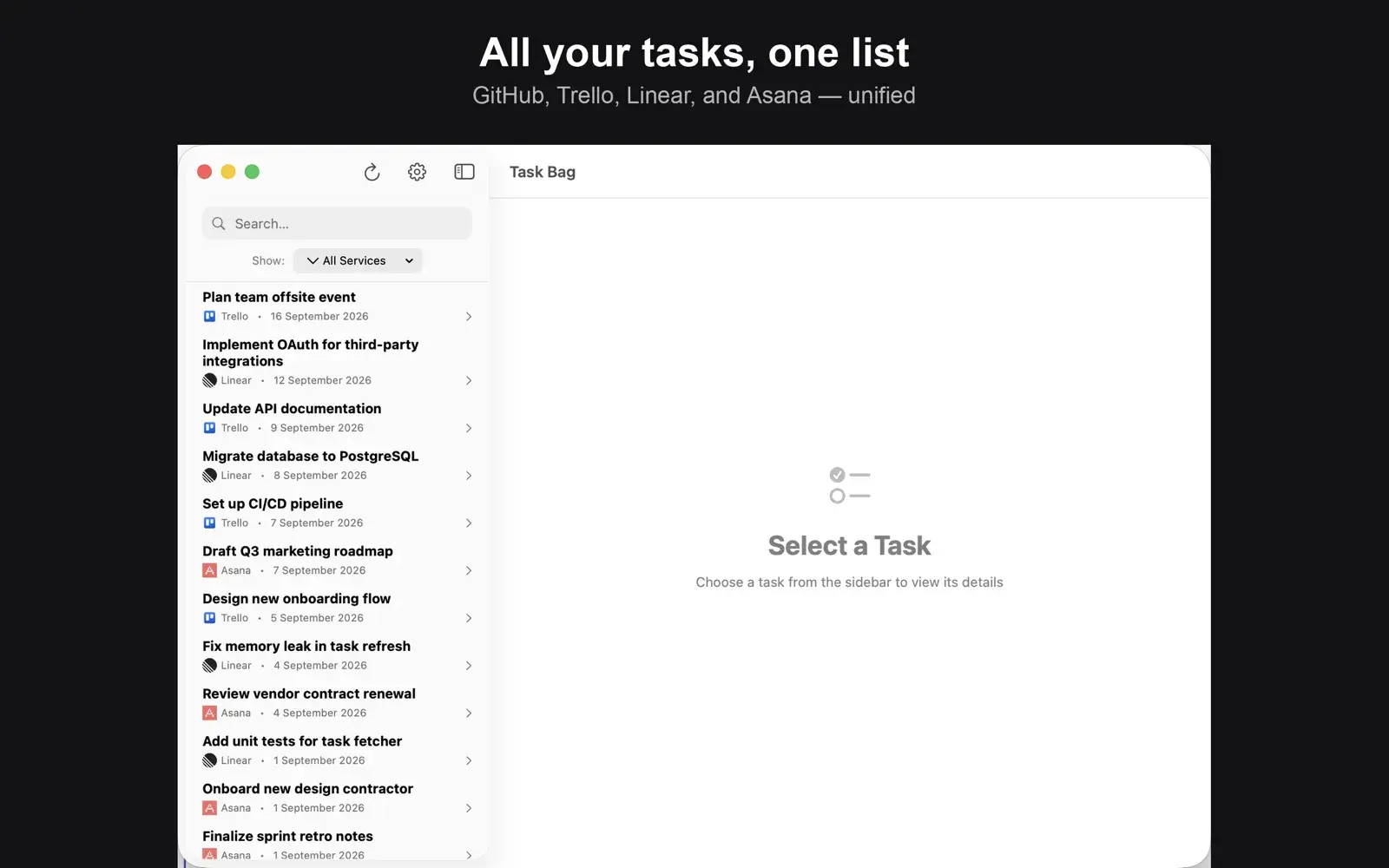
Unify tasks from Trello, GitHub, Linear, Asana, and Reminders in one manageable place. Perfect for freelancers, contractors, and agencies using multiple project management tools and lacking one place to manage all tasks.
Details
- Platforms
- Mac (macOS 15.0 or later)
- Price
- Free, with in-app purchases
- iCloud sync: US$0.99
- Additional services: US$0.99
- Multiple account instances: US$0.99
- Create and edit tasks: US$0.99
- Works with
- Trello, GitHub, Linear, Asana, Apple Reminders
- Released
- Publisher
- Chris Chinchilla
Features
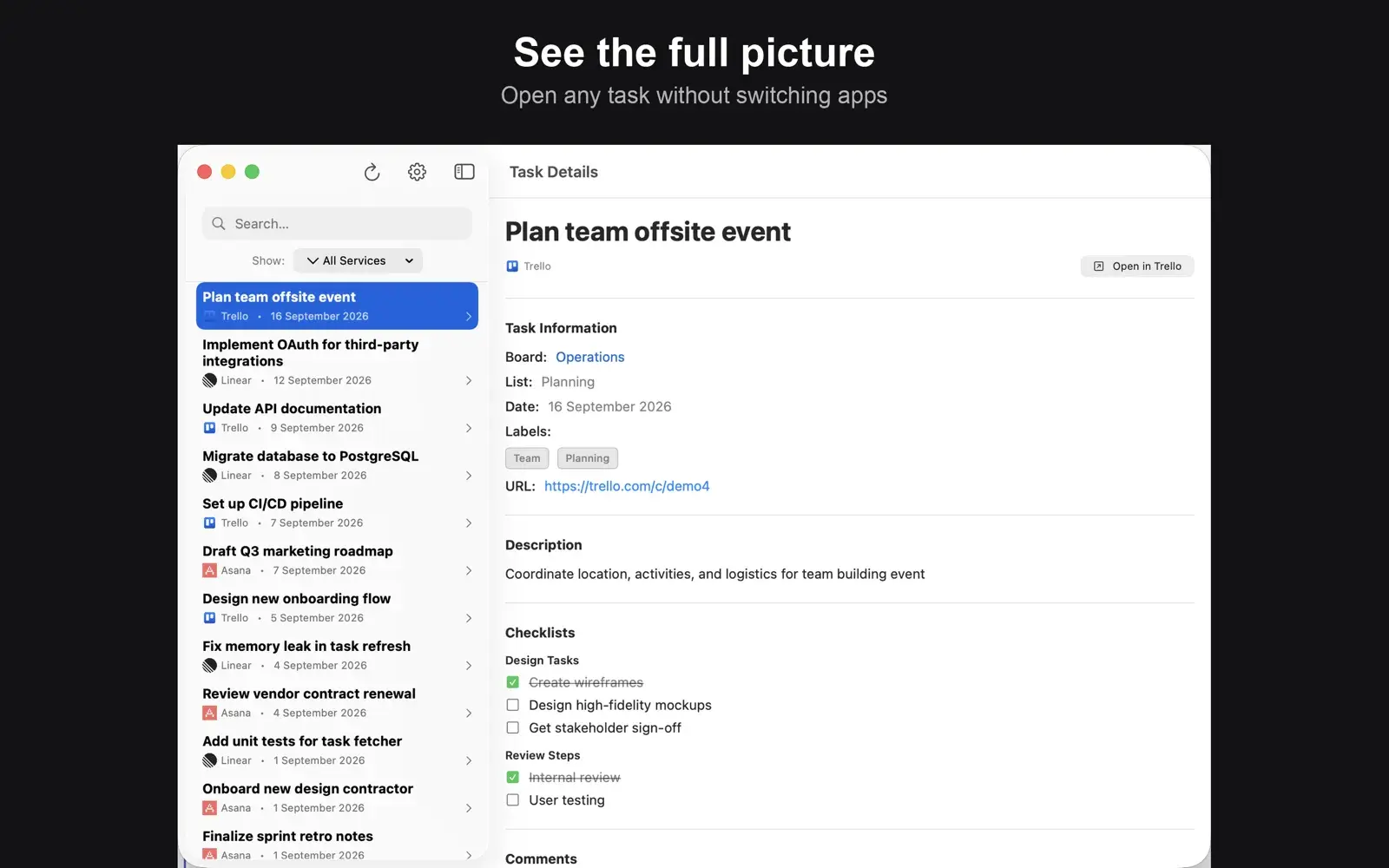
- View tasks from multiple platforms in one place
- Pulls in custom data from all sources
- Offline support
- Sync via iCloud
- Create tasks
Screenshots
Questions
- Which services does Task Bag work with?
- Trello, GitHub, Linear, Asana and Apple Reminders.
- Is Task Bag free?
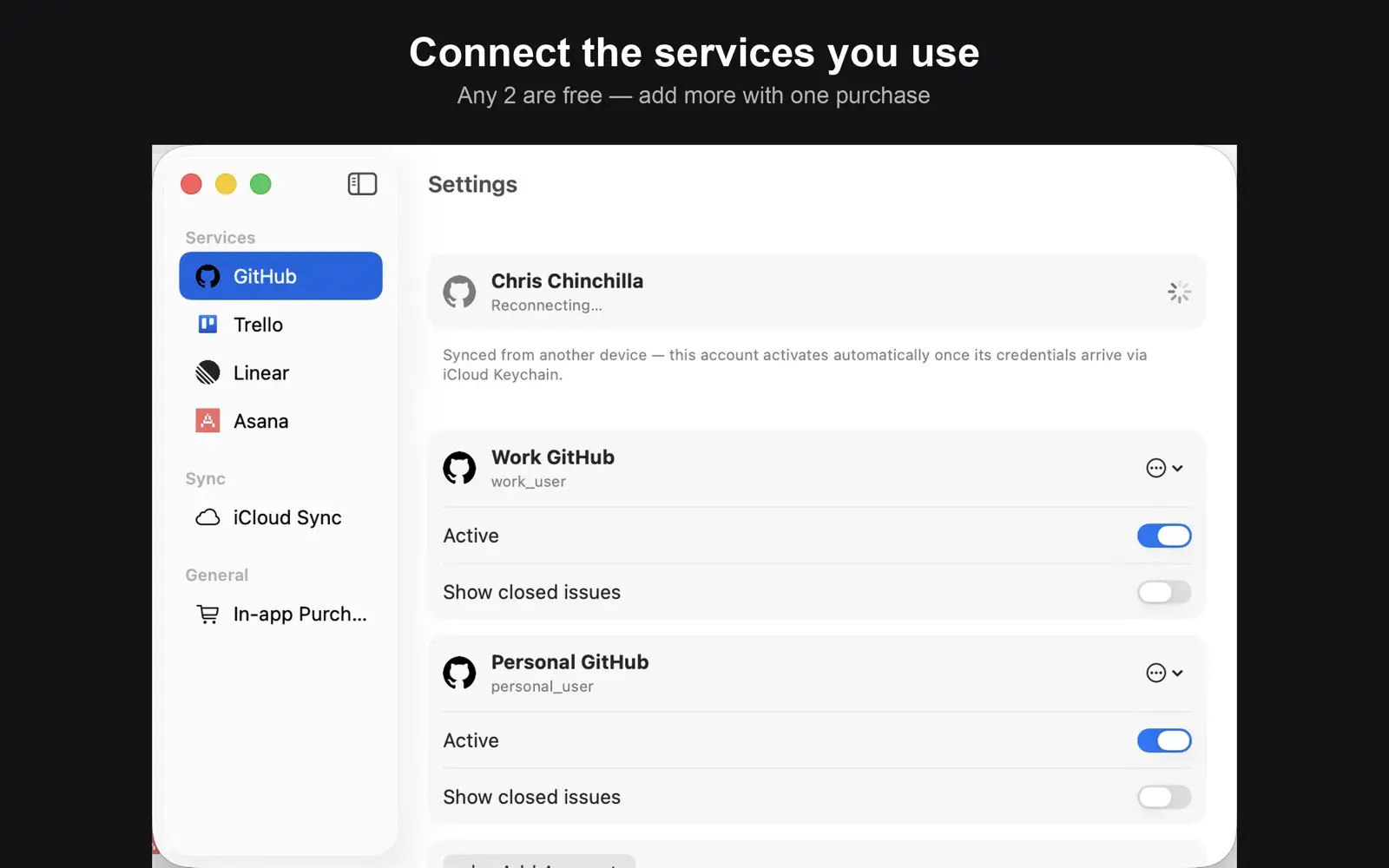
- Task Bag is free to download, and you can connect any two services for free. In-app purchases add more services, multiple accounts per service, creating and editing tasks, and iCloud sync.
- Can I connect more than one account for the same service?
- Yes. With the Multiple account instances purchase you can add up to five accounts for each service, for example a work and a personal GitHub account.
- Where is my data stored?
- On your Mac. Task Bag connects directly to each service, and account credentials are stored in the macOS Keychain. If you buy iCloud sync, your accounts and tasks sync through your own iCloud account. Task Bag has no servers of its own, so we never see your tasks or credentials.
- Which version of macOS do I need?
- macOS 15.0 or later.
- How do I get help?
- Email info@oldfashionedapps.com.